

Software
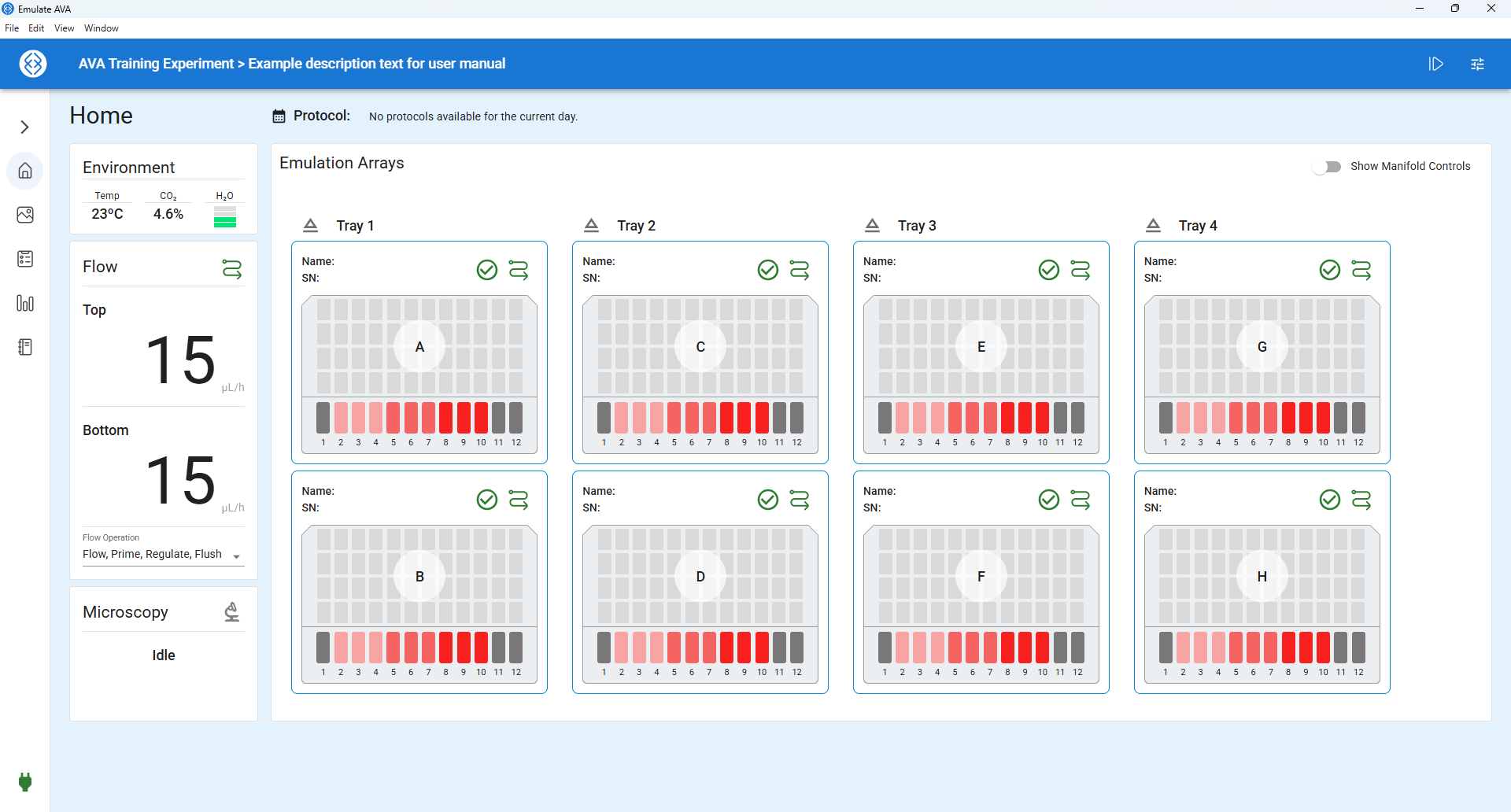
AVA™ Emulation System Software
Streamline experiment management and easily manage instrument software.
Software Downloads
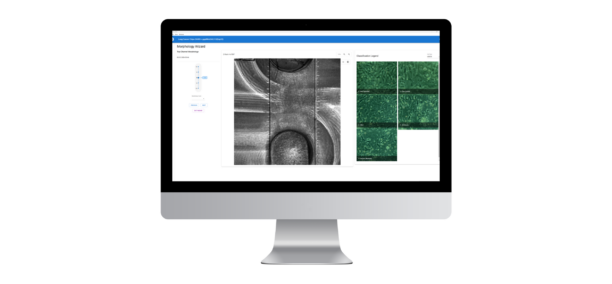
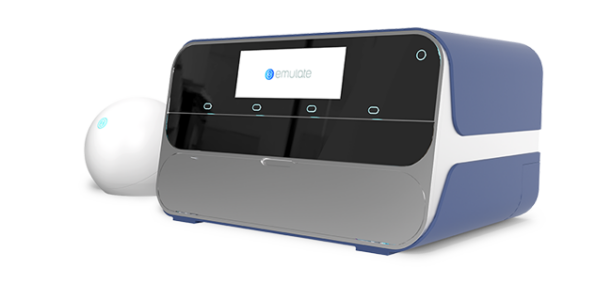
Emulate provides two software applications for the AVA Emulation System: the AVA embedded software application and the AVA workstation software application. Both are required for AVA setup, operation and experiment execution. The latest versions can be downloaded below.
Workstation Specifications
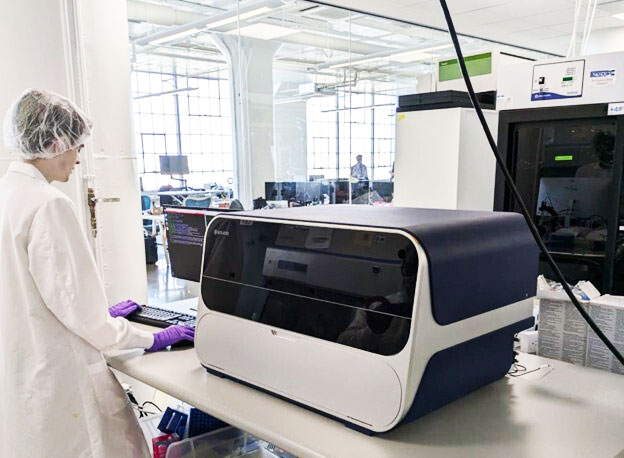
A dedicated workstation (computer) with AVA Workstation Software installed is required for correct AVA Emulation System installation and operation. The minimum specifications for the workstation PC are provided below. AVA Workstation Software can also be used on a stand-alone computer (not connected to an AVA Emulation System) for experiment design, data review and analysis.
For step-by-step software installation and update instructions, please refer to the AVA Emulation System User Guide.
AVA Workstation Minimum Specifications
Operating System: Windows 10 or 11 (64-bit)
- System Storage: 4 TB (SSD recommended)
- System Memory: 16 GB
- System Processor: Intel 8th Gen, Intel Core Ultra
- Network: 10 / 100 / 1000 BASE-T Ethernet
- Wireless: 802.11 g/n dual-band wireless
- External Monitor Resolution: 1920 x 1080